Videozilla is video
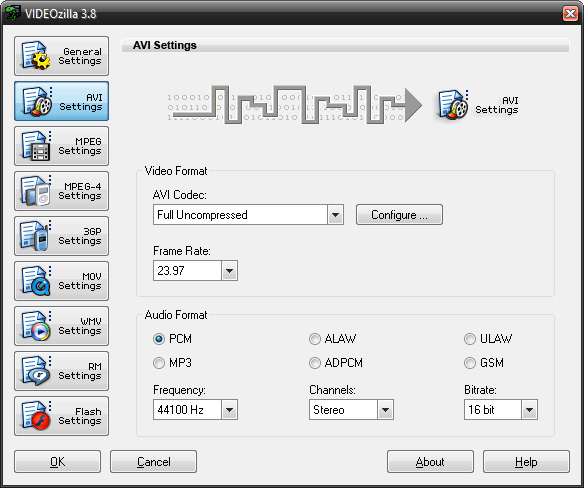
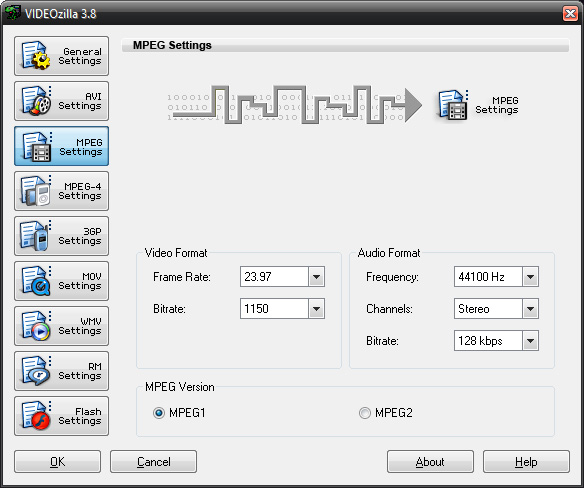
converter to convert video files AVI, WMV, MPEG, RM, MOV, ASF, SWF, FLV, F4V, MPEG-4 (iPhone/iPad/MP4/iPod/Mobile/PSP/Tablet), M4V, MKV, VOB, 3GP, 3G2, DAT, WEBM, OGM, OGV, Blu-ray, HD Video (AVCHD, MTS, M2T, M2TS, TS) that works via
right-click menu on the selected video files. With
only a click needed, Videozilla offers the easiest and fastest solution
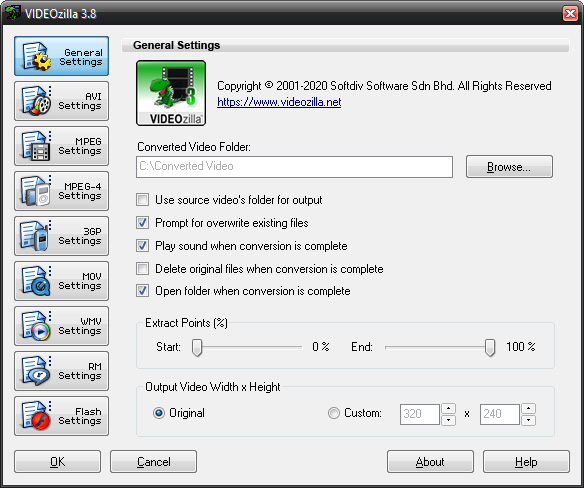
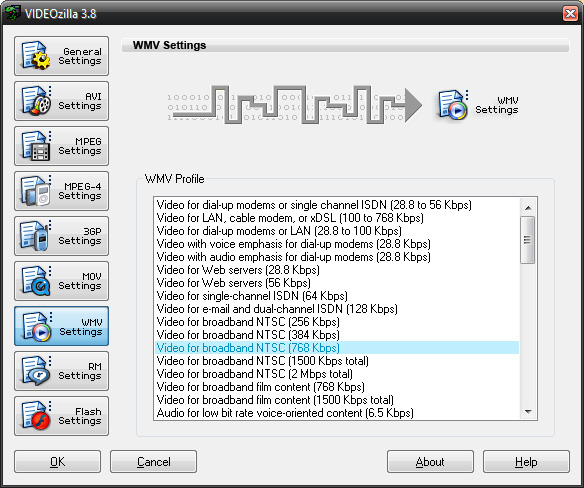
to convertvideofiles to other format. Options can be set for start and end points of video conversion; video width and height; video and audioquality; plenty of codecs choices are available. Videozilla also perform audioextraction from video and save
as audioMP3 or WAV.
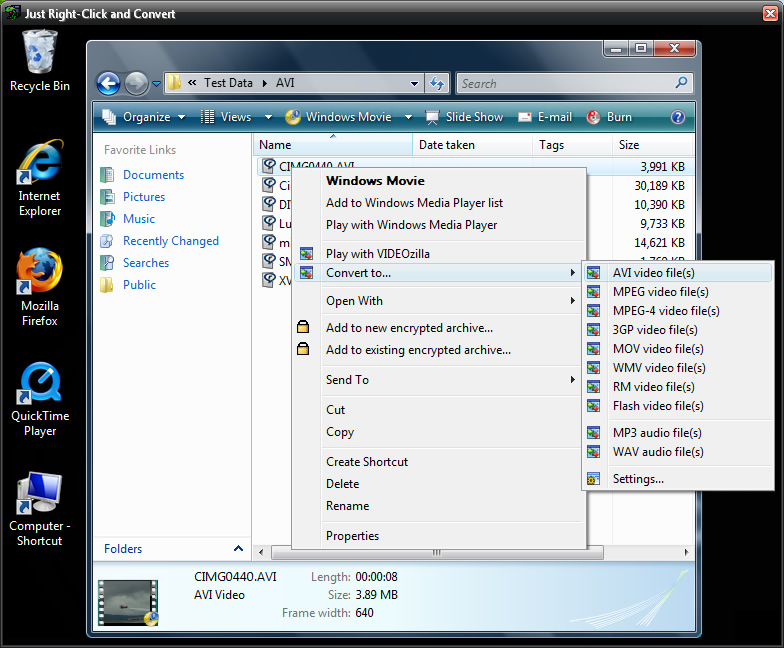
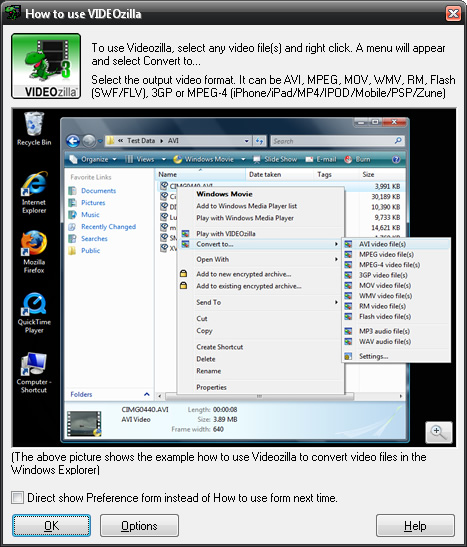
Just right-click any video files on Windows Explorer
and click convert on the context menu shown, Videozilla
will immediately convert the video files to other videoformats or
extract the video as audio. Command-Line based video conversion is also supported.
Download size: 27 MB
Price:
USD 29.95
Software
Features
Video Converter
Convert video between almost any formats: AVI (DivX, XviD, MS MPEG-4, Uncompressed, Cinepak
and other), MPEG (MPEG-1 and MPEG-2 Video, VCD and SVCD, PAL,
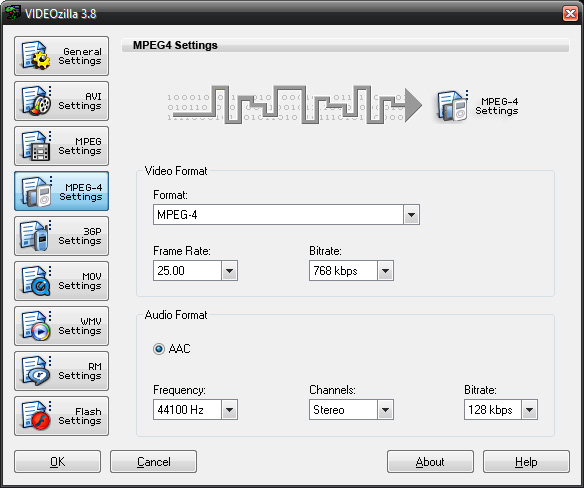
and NTSC), MPEG-4 format (iPhone, iPad, MP4, IPOD, Mobile, PSP,
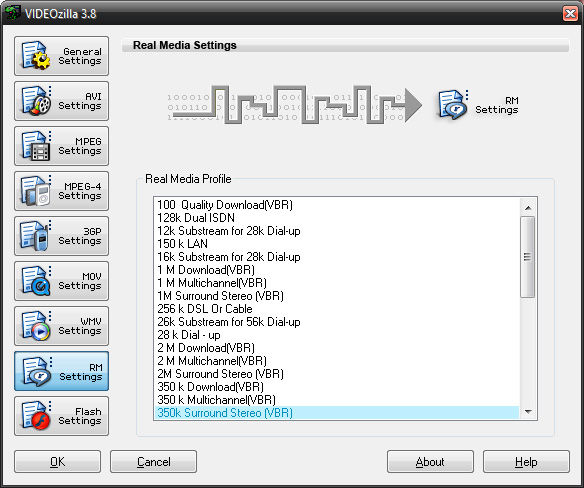
Zune, MOV 7, M4V), H.263, H.264, 3GP, 3G2, WMV, ASF, QuickTime (MOV, QT), FLV, F4V, SWF, Real Video (RM, RMVB), DAT, Matroska (MKV), WEBM, HD-Video (AVCHD, Blu-ray, MPEG-2 HD, MTS, M2T, M2TS, TS), DVD (VOB), OGG Media (OGM, OGV).
FLV Video Converter
Convert FLV video (eg. You tube video) files to video/audio format supported by Videozilla.
iPhone/iPad/MP4/IPOD/Mobile/PSP/Tablet Video
Converter
Convert video files for your iPhone, iPad, IPOD, Mobile, PSP, Tablet or any other MP4 devices.
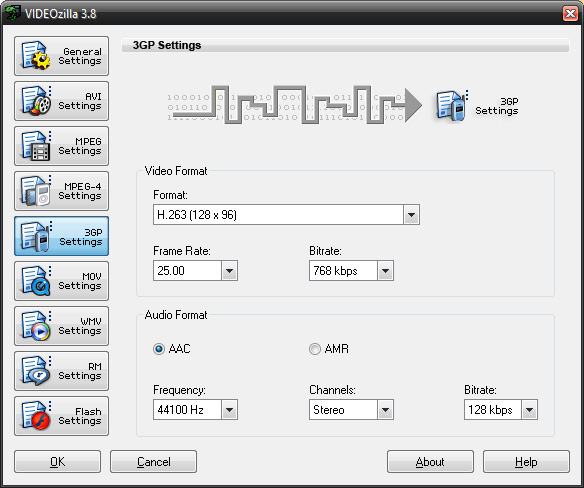
3GP Video Converter
Convert video files for your mobile device.
Video to Audio Converter
Save audio streams as audio MP3 or WAV.
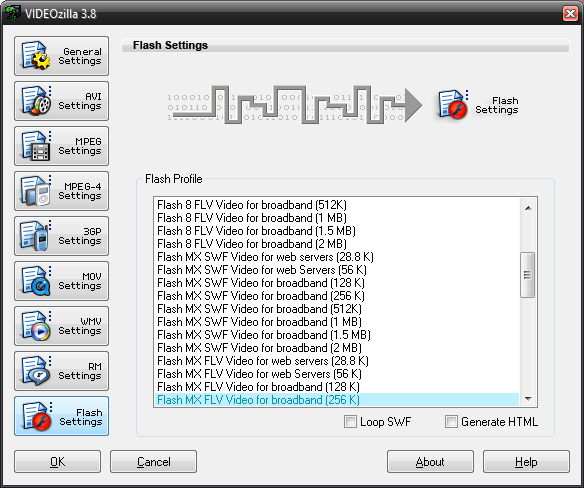
Flash Video Converter
Convert video files
to Flash 8 (SWF, FLV), Flash MX (SWF, FLV), Flash 3-6, or Flash
Vector SWF.
Command-line based Video Converter
Convert between popular video formats via command-line.
Right-click Convert
Easiest way to convert video file(s). Just right-click
and convert.